How 3D site walkthroughs are used across commercial construction
.svg)
Quick Summary
3D walkthrough software creates navigable virtual tours of construction sites by stitching together 360-degree imagery captured during routine site walks. Commercial construction teams use DroneDeploy Ground and similar platforms to document progress, verify installations before work gets covered and coordinate with remote stakeholders.
Every project generates thousands of photos that end up scattered across phones, folders and email threads. When a dispute surfaces or an owner asks about conditions behind a finished wall, finding the right image becomes its own project. Teams spend hours searching through disorganized files instead of focusing on the work at hand.
Reality capture technology organizes site captures into navigable virtual tours mapped to floor plans and timelines. This guide covers how commercial construction teams capture, reference and share 3D walkthroughs from preconstruction through closeout. The workflow fits into existing site routines without adding dedicated documentation time.
What is 3D walkthrough software for construction sites
3D walkthrough software for construction allows you to create immersive, interactive virtual tours of jobsites by stitching together panoramic photos or 360 scans. The software processes captured imagery and maps it to floor plans. Anyone on the team can click through the site remotely and see exactly what conditions looked like on a specific date.
See 3D walkthroughs in action
Unlike real estate virtual tour platforms built for marketing properties, construction-focused walkthrough software emphasizes documentation and progress tracking across the project lifecycle.
The distinction matters because construction teams reference walkthroughs differently than a buyer touring a home. A superintendent might pull up last week's capture to verify conduit routing before drywall closes the wall. Meanwhile, a project manager shares the same walkthrough with an owner who wants to see progress without traveling to site.
3D walkthrough software for construction typically produces:
- Navigable 360 views: Click-through tours organized by floor, area and capture date
- Floor plan integration: Imagery automatically mapped to drawings so users know exactly where they are in the building
- Time-based comparison: Side-by-side views showing the same location across different capture dates
How 3D walkthroughs work on commercial jobsites
The workflow follows three steps that fit into existing site routines. Most teams capture during regular walks rather than scheduling dedicated documentation time. This approach keeps documentation from becoming another task on an already full schedule.
1. Capture the site with 360 cameras or mobile devices
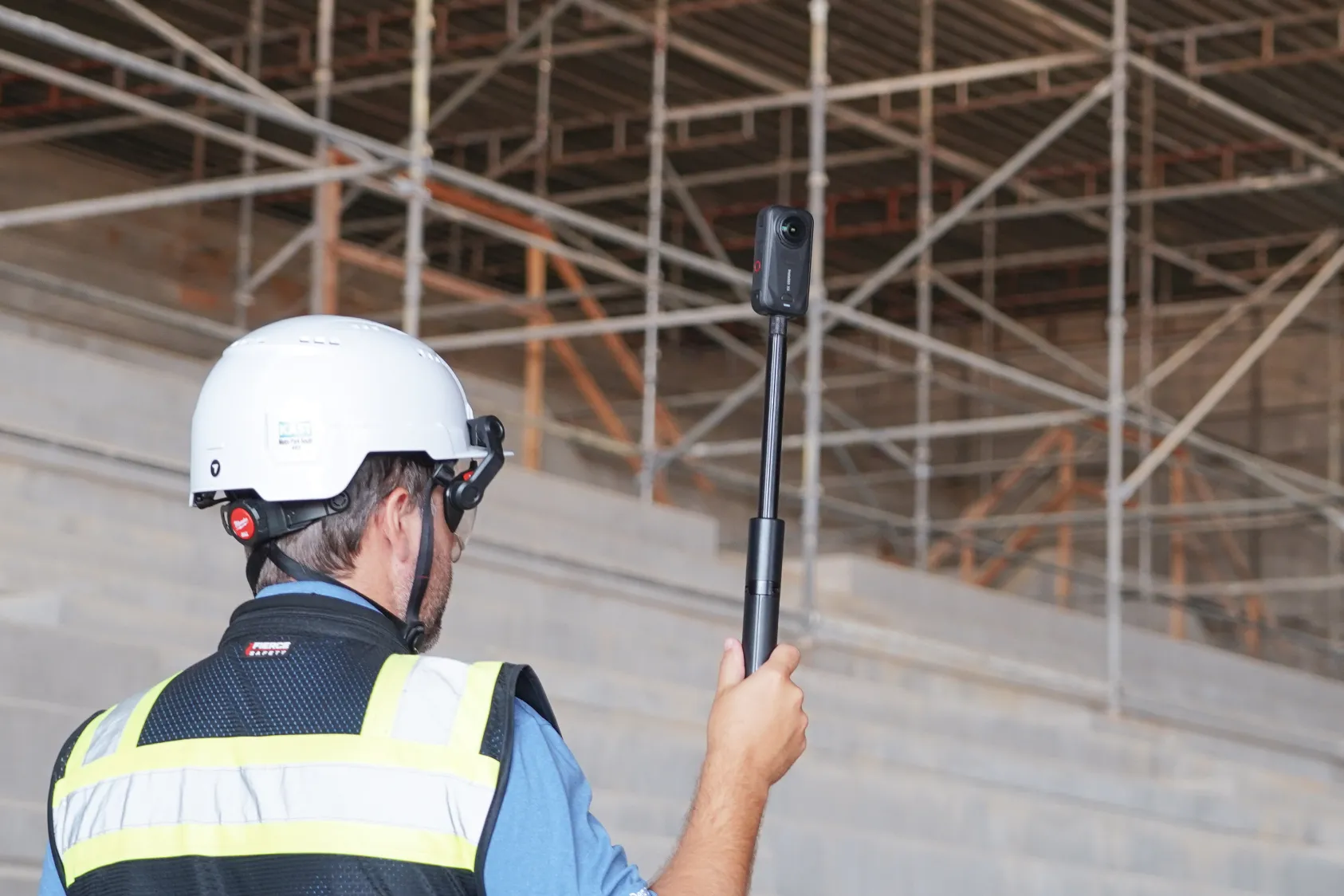
A crew member walks the site with a 360 camera mounted on a monopod or hardhat, clicking at regular intervals. Consumer cameras like Ricoh Theta or Insta360 work well for this purpose.
Smartphones can capture standard photos for basic documentation, though dedicated 360 cameras produce more complete coverage.
Learn how to capture with a 360 camera:
2. Process imagery into navigable virtual walkthroughs
The walkthrough platform automatically stitches images together and maps them to floor plans or site drawings. Processing happens in the cloud, so there's no manual work required beyond uploading the captures. Most platforms return a navigable walkthrough within minutes to hours depending on project size.
3. Share with stakeholders through a unified platform
Completed walkthroughs live in a central location where team members access them through a single login. Remote stakeholders view the site without traveling. Project managers embed specific views in reports or share links with trade partners who need to see conditions in a particular area.
Essential features for construction virtual tour software
Construction walkthrough software differs from real estate tour platforms in several ways. The features that matter on a jobsite often don't exist in tools designed for property marketing. Understanding these differences helps teams select the right platform for documentation needs.
Automatic location and date mapping
Every image gets tagged with where and when it was captured. This eliminates the manual photo organization that eats up project engineer time and creates a searchable record. When someone asks about conditions in a specific room on a specific date, you can find that capture in seconds.
Side-by-side comparison across capture dates
Viewing the same location at different points in time reveals what changed between captures. A wall that's open today will be closed next week, and the comparison view shows exactly what went in before drywall. This capability proves valuable when questions arise about installations that are no longer visible.
BIM and floor plan overlay tools
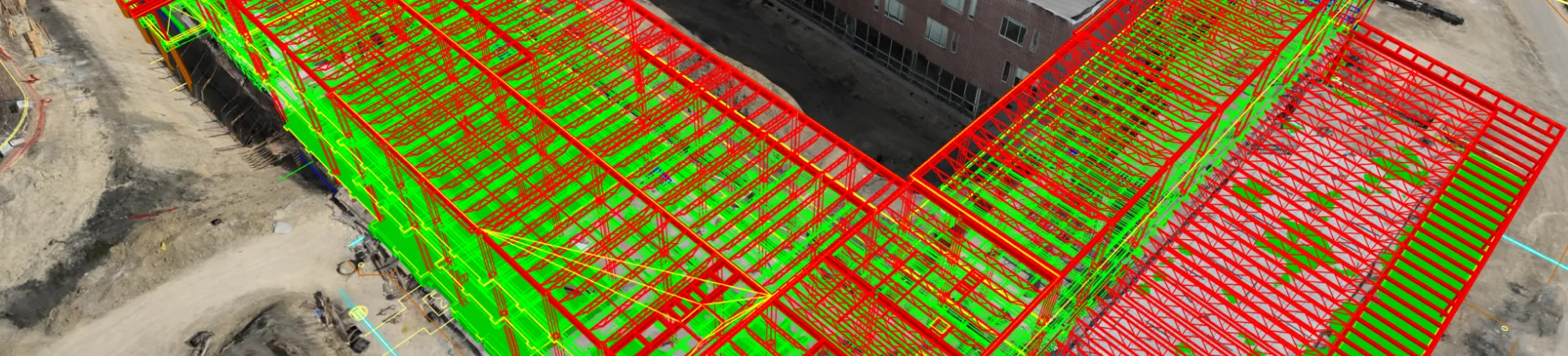
Overlaying design models or 2D drawings on captured imagery lets teams compare what was installed against what was designed. Discrepancies become visible before they turn into RFIs or rework. Teams catch coordination issues early when corrections cost less time and money.
Annotation and issue tracking
Tagging locations with notes, photos or issues directly within the walkthrough keeps documentation tied to the visual record. Issues can be assigned and tracked to resolution without switching between systems. This integration reduces the friction of managing documentation across multiple platforms.
- Primary purpose: Marketing and sales (Real estate) vs. Documentation and coordination (Construction)
- Time-based views: Rarely available in real estate software, but essential for progress tracking in construction
- BIM/drawing overlay: Not available for real estate, but required for verification in construction
- Issue tracking: Not available in real estate software, whereas construction software features built-in annotation tools
How construction teams use 3D walkthroughs by project phase
The same capture workflow applies across phases, but what gets documented and why changes as the project progresses. Each phase presents different documentation priorities based on what work is happening and what will soon be covered. Understanding these phase-specific needs helps teams capture the right information at the right time.
Preconstruction and existing conditions documentation
Capturing existing conditions before demolition or renovation creates a baseline record. When questions arise later about what was there originally, the walkthrough provides the answer. This documentation proves especially valuable during renovation projects where existing conditions affect design decisions.
Foundations and underground utility verification
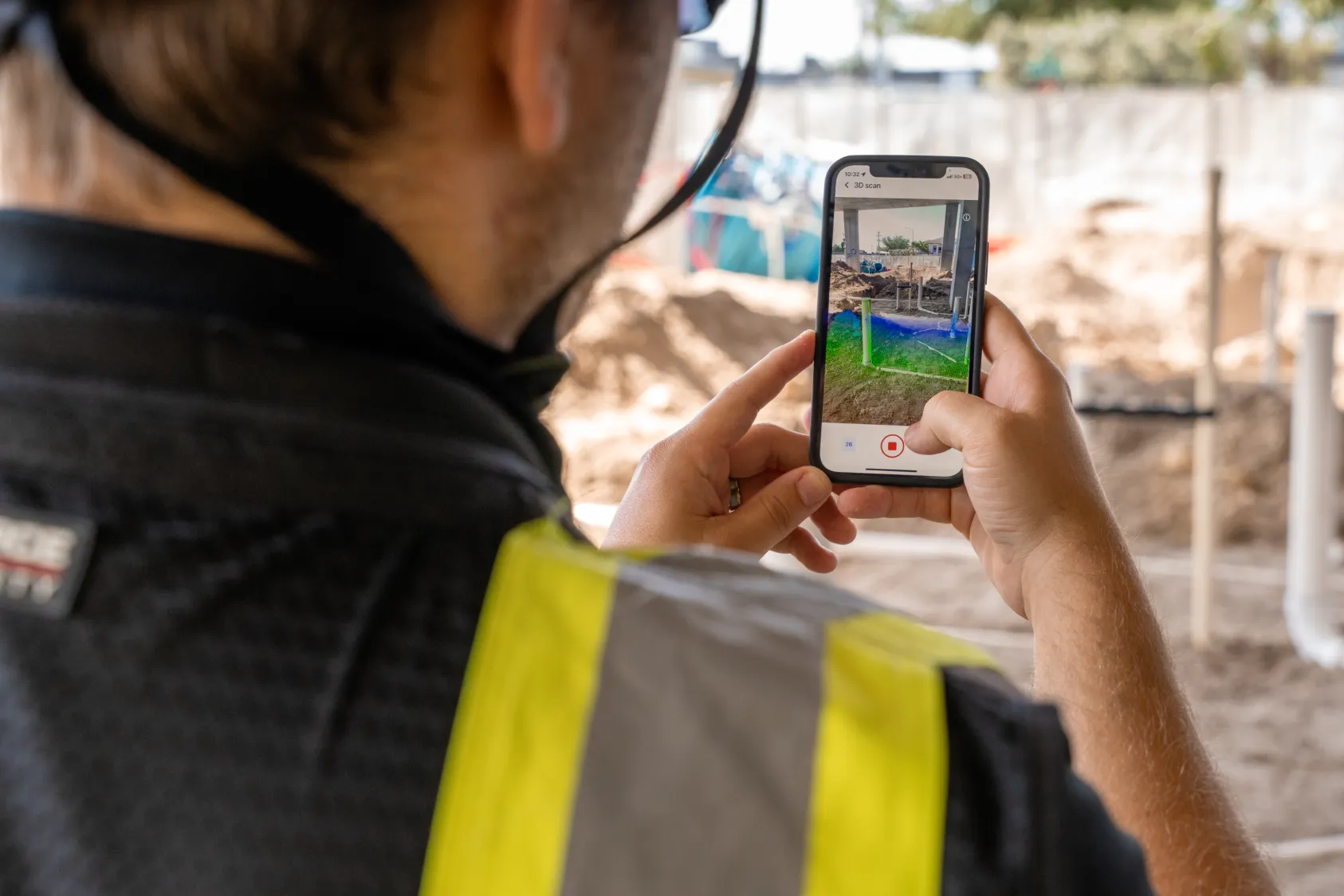
Underground utilities and foundation work disappear under concrete or backfill. Capturing installations before they're covered creates a permanent record of what was installed and where. Teams reference captures months later when coordinating penetrations or investigating issues.
Structure and MEP rough-in capture
Framing, steel connections and mechanical/electrical/plumbing rough-in all get covered by finishes. Walkthroughs captured during this phase document what's behind the walls. Inspectors, engineers and trade partners can review conditions remotely with virtual inspections that transform progress tracking.
This remote review capability reduces the need for site visits while maintaining visibility into critical installations.
Interior finishes and punch list tracking
Finish work documentation supports punch list tracking by location. Issues get tagged directly in the walkthrough with photos and notes, then assigned for resolution. This location-based tracking helps teams close out punch items efficiently by showing exactly where each issue exists.
Closeout and owner handover
The final walkthrough documentation becomes part of the project record handed to the owner. Facility managers reference it years later when planning tenant improvements or investigating building systems. This long-term value extends the usefulness of capture work well beyond project completion.
Capture methods for creating 360 virtual tours on jobsites
Several hardware options work for capturing walkthrough imagery. The right choice depends on project size, capture frequency and existing equipment. Each method offers different advantages depending on team resources and documentation goals.
Handheld 360 cameras for interior walks
Consumer 360 cameras mounted on a monopod represent the most common capture method. A crew member walks the floor clicking at regular intervals, typically every 10-15 feet. The workflow takes about the same time as a standard site walk with a phone camera, making it easy to integrate into existing routines.
Ground robots for autonomous repeatable walkthroughs
Robotic platforms like Boston Dynamics Spot can capture walkthroughs autonomously along programmed routes. Multivista's 3D virtual walkthrough documentation covers how autonomous capture is used in commercial construction. Capturing from the same vantage points every time makes comparisons more accurate.
Teams running weekly captures on large projects often find robotic capture more consistent than manual walks. The autonomous capability frees up crew members to focus on other tasks during capture.
Drone and aerial integration for complete site coverage
Interior walkthroughs pair with aerial drone capture for a complete site record. Some platforms unify ground and aerial data in one system, so teams access both from a single login. This unified approach eliminates the need to switch between separate tools for interior and exterior documentation.
Learn how to capture with a drone in DroneDeploy:
How AI enhances 3D walkthrough analysis for construction
AI capabilities built into walkthrough platforms analyze captured imagery automatically, including DroneDeploy Safety AI for hazard detection. This turns raw captures into structured information without manual review. Teams gain insights from their documentation without adding review time to already busy schedules.
Automated progress tracking across trades
AI identifies installed work by trade type from walkthrough imagery. Instead of manually reviewing every capture to assess progress, teams receive reports showing percent complete by area and trade. This automated tracking reduces the time spent on progress reporting while improving accuracy.
See AI for progress tracking in action:
Safety hazard detection from walkthrough imagery
AI flags potential safety issues visible in captured imagery, such as missing guardrails or housekeeping concerns. The walkthrough captured for progress documentation also serves as a safety observation. This dual-purpose use of captures maximizes the value of each site walk.
Quality verification for installed work
AI compares installed conditions against design intent, helping catch issues before work gets covered or moves to the next phase. This automated comparison reduces the manual effort required to verify installations match drawings. Teams identify discrepancies earlier when corrections are simpler and less costly.
Choosing the right virtual tour platform for construction teams
Evaluating 3D walkthrough software for construction comes down to whether the platform was designed for construction documentation or adapted from real estate marketing tools. Construction-specific platforms include features that real estate tools lack. The following criteria help teams identify the right fit for their documentation needs.
- Construction-specific features: Does the platform support BIM overlay, issue tracking and time-based comparison?
- Capture flexibility: Can you use the cameras and devices your team already owns?
- Integration depth: Does it connect to existing project management and storage tools like Procore or Autodesk? See DroneDeploy's construction solutions for integration details.
- Air and ground unification: Can you combine aerial drone data with interior walkthroughs in one system?
Getting started with 3D walkthrough software on your projects
1. Identify your primary documentation gaps
Consider where you currently lack visual records. Common gaps include MEP rough-in before walls close, underground utilities before backfill and existing conditions before demolition. Identifying these gaps helps prioritize where walkthrough capture will deliver the most value.
2. Start with one phase or project type
Piloting on a single phase like framing or a project type like tenant improvements lets you establish workflows before rolling out broadly. This focused approach helps teams refine their capture process without overwhelming the organization. Lessons learned from the pilot inform the broader rollout strategy.
3. Establish a consistent capture cadence
Weekly captures or captures at key milestones build a useful time-based record. Consistency matters more than frequency when building a documentation habit. Teams that capture regularly create more valuable records than those who capture sporadically at higher frequency.
4. Connect walkthroughs to existing workflows
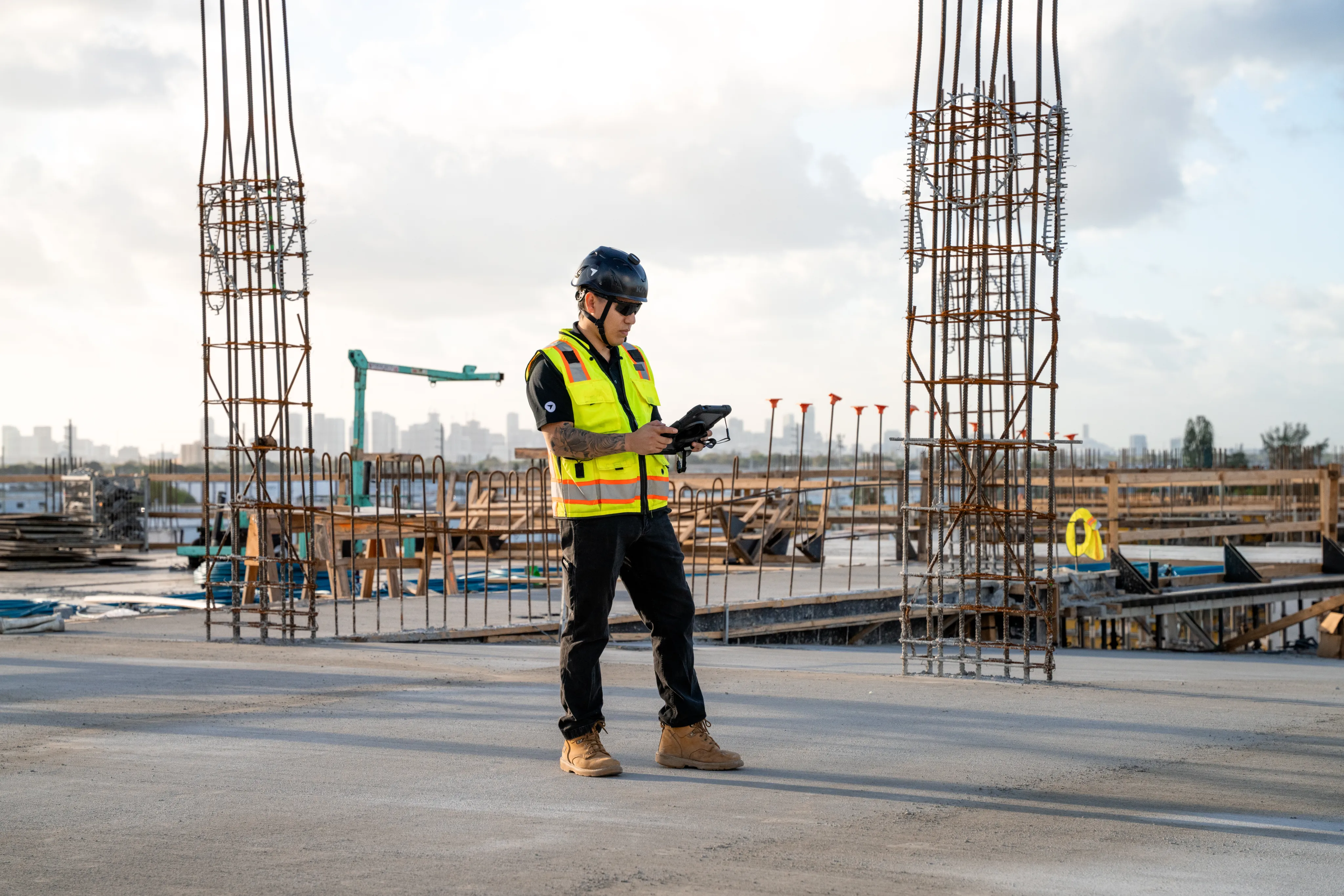
Integrating walkthrough data with current tools prevents creating a separate documentation silo. Connections to project management platforms keep walkthrough data accessible where teams already work. This integration increases adoption by reducing the friction of accessing captured information.
DroneDeploy Ground creates 3D walkthroughs that integrate with aerial capture and AI analysis. Teams use the platform to document progress, verify installations and coordinate with remote stakeholders. Book a demo to see how the workflow fits into your existing site routines.
.png)
FAQ
Most teams capture weekly or at phase milestones depending on project pace. Fast-track projects with multiple trades working simultaneously often benefit from more frequent captures. The right cadence depends on how quickly conditions change and how often teams need to reference the visual record.
Many platforms support offline capture with automatic upload when connectivity returns. The camera stores imagery locally during the walk, then syncs to the cloud when the device connects to wifi or cellular data. This offline capability ensures documentation continues even on remote sites with limited connectivity.
Walkthroughs are navigable interior tours created from 360 photos. Drone mapping produces aerial orthomosaics and 3D models of exterior conditions. Photogrammetry creates detailed 3D reconstructions from overlapping photos.
Basic 360 camera capture requires minimal training, typically a brief orientation on camera operation and walking patterns. Most crews are comfortable capturing after one or two practice walks. The simple workflow means teams can start documenting quickly without extensive onboarding.
Ready to learn more?
Contact sales to see how DroneDeploy can give your teams the power to document and analyze your sites from the air and ground – all in one AI-powered platform.